
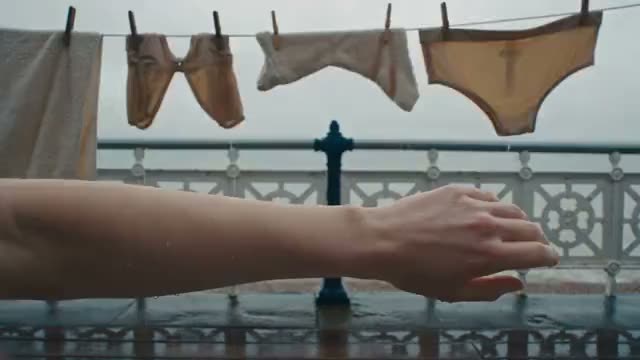
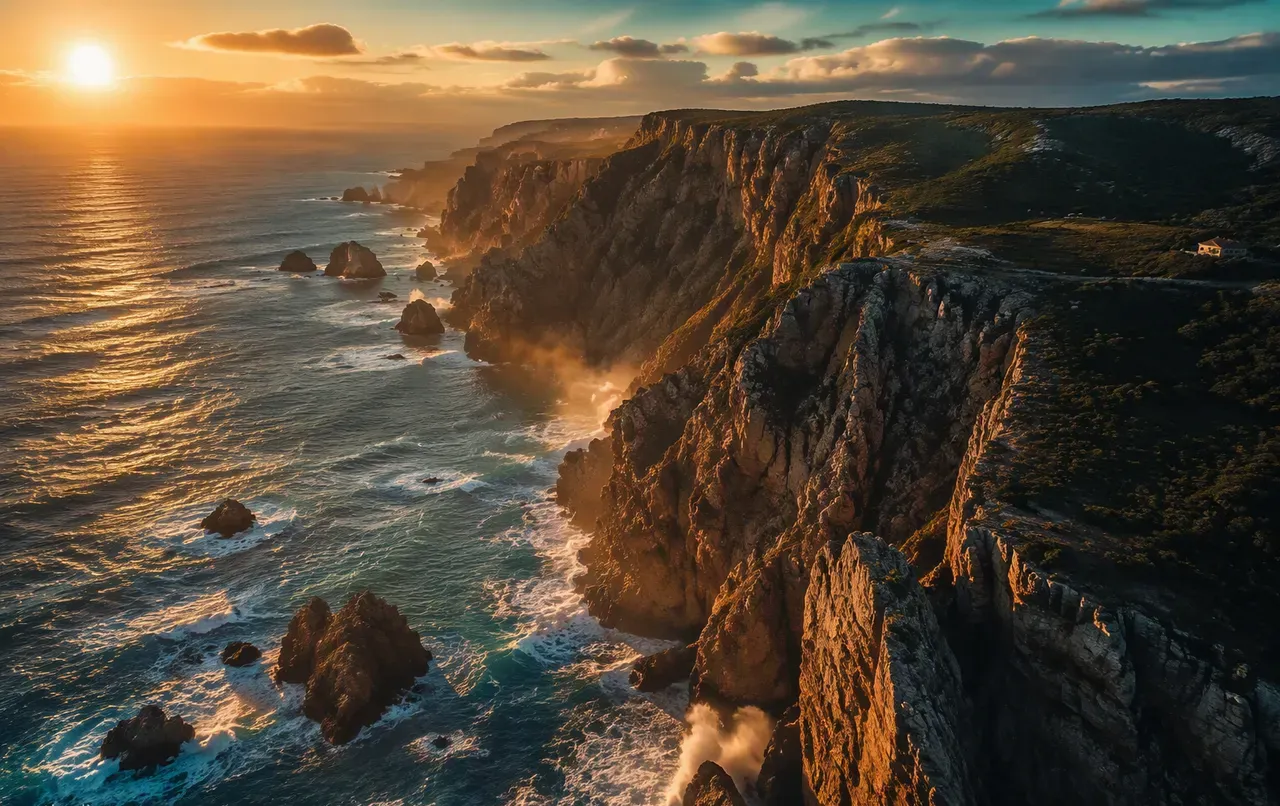
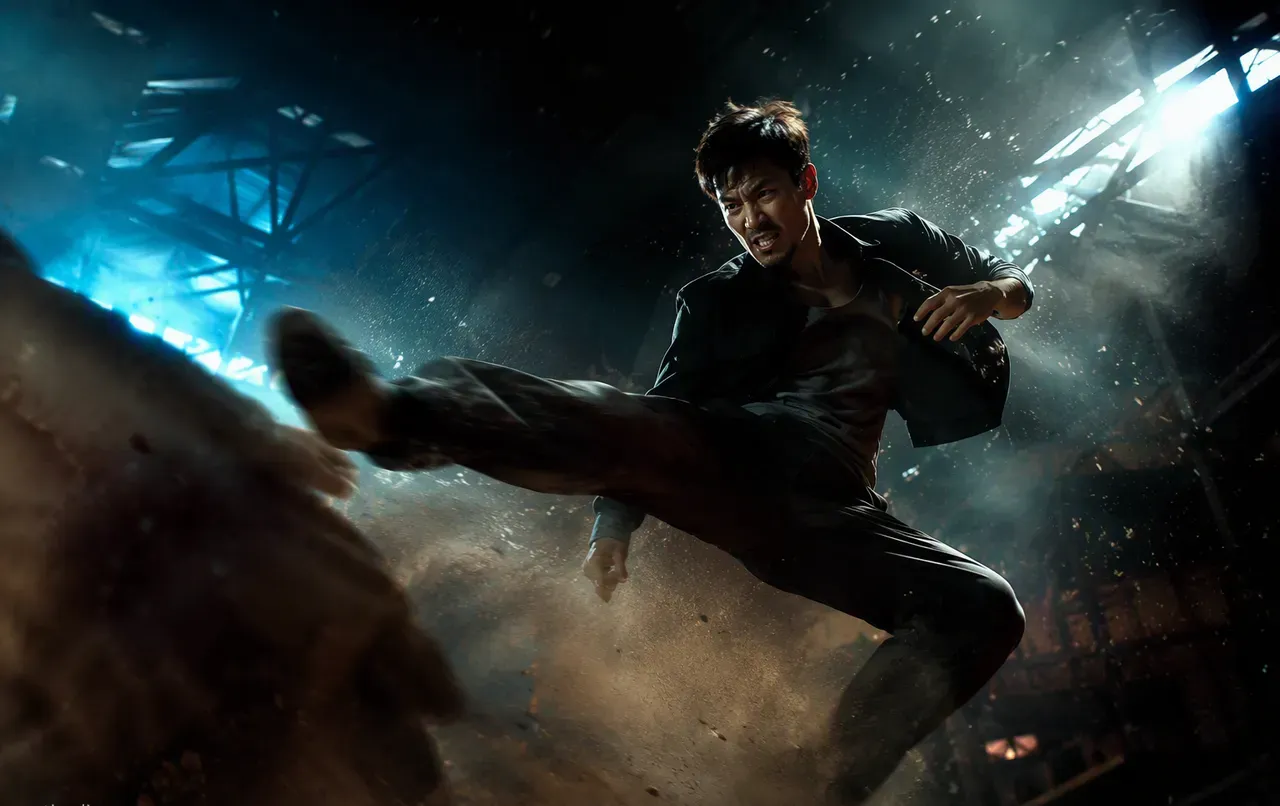
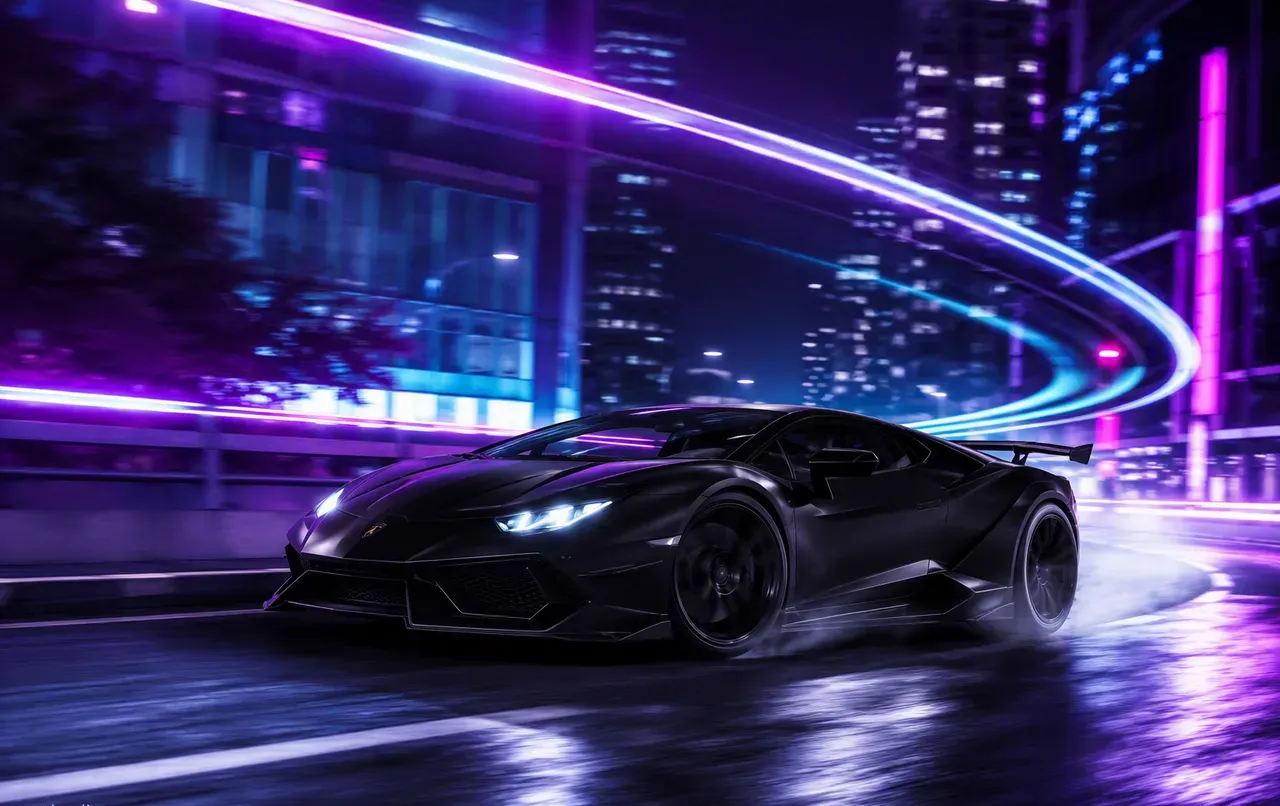
The photo is the storyboard
Text-to-video starts from nothing; image to video starts from your best frame. That product shot you already love, the portrait with the perfect expression, the key art you just generated — the model treats it as frame one and invents everything after: the camera move, the atmosphere, the motion. It’s the highest-control workflow in AI video, because you’re not describing the scene, you’re showing it.
Why multi-model matters here more than anywhere
Image-to-video is where models disagree most. Feed the same portrait to five models and you’ll get five different interpretations of “slow push-in” — one nails the face, one invents beautiful light, one melts the hands. On a single-model platform, you get what you get. On OpenClips, one upload runs across Kling, Luma, Seedance, Veo and Hailuo in the same session, and the takes sit side by side in your library. Motion quality is subjective; comparisons are objective.
The workflows that convert
E-commerce: product photo → rotating hero loop → into a Launch-Ready format → a finished 15-second ad. Three renders, one afternoon, no studio. Social: meme still or reaction photo → subtle motion → 10× the watch time of a static post. Real estate and hospitality: interior shots → slow cinematic pans. Family and memory: old photographs → gentle motion that makes people cry in the good way. And creators: generate key art on the free image models, animate it on Kling post the process — the behind-the-scenes is content too.
Draft cheap, finish flagship
The pro pattern: sketch the motion on Hailuo 02 — camera direction, timing, vibe. When the move is right, re-render the final on Kling 2.5 or Seedance 2.5 at full quality. Same session, same image, same prompt — one credit wallet across all of it, with the exact price on the Generate button after sign-in. That’s how image-to-video should work: your photo, every model, zero platform shuffle.